
Piegādes termiņš visā Lietuvā: 5-7 darba dienas.
Piegādes cena uz norādīto adresi: 3 eiro


Apraksts
Trumpai apie prekę
Prekė: Televizijos imtuvas Leelbox DEDVBC, DVB-C, DVB-T2. Kategorija: Tiuneriai.
- Gamintojas: Leelbox
- Modelis: DEDVBC
DVB-T2 TV Receiver HDMI Mini Stick Full HD 1080P H.265 HEVC Main 10-bit
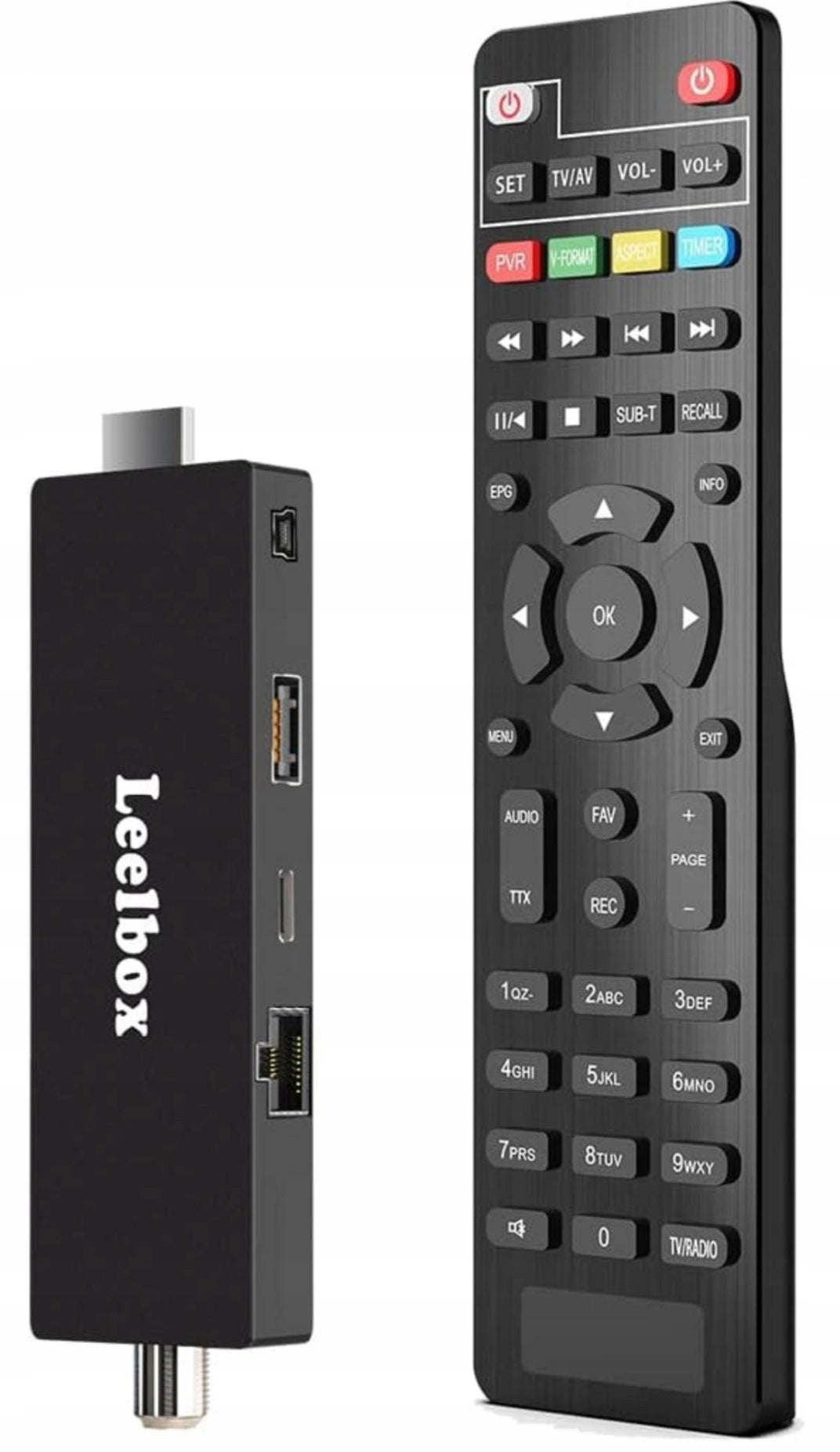
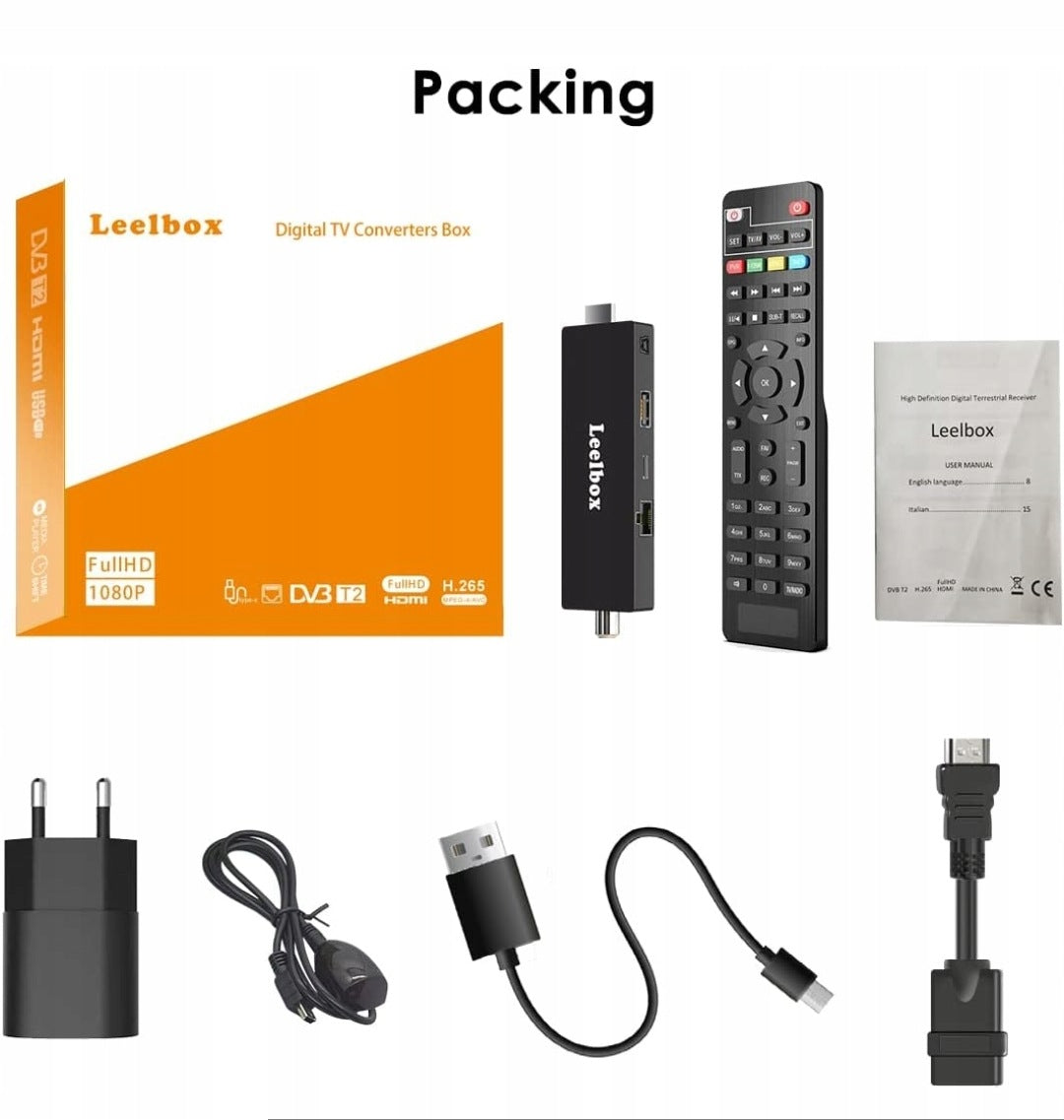
DVB-T2 HD decoder allows you to receive local TV channels, and at the same time, via LAN port, allows you to easily connect to the Internet and watch YouTube. The PVR feature allows you to record your favorite shows by connecting an external USB device.
Note: It is recommended to use the power supply for a more stable signal. If you only use the TV's USB power supply, the signal may be unstable if the power supply is unstable.
Leelbox is focused on providing simple and efficient DVB T2 decoders.
How to complete the process of pairing the remote control with the TV?
Put both remotes next to each other, at a distance of about 2-3 cm. Then press the “SET” button on the DVB remote for about 5 seconds and the light will light up. Immediately press the “VOL+” button; the light will flash. Now press the “+” button on the TV remote; the DVB remote control light will stop flashing and stay on. Congratulations on completing the pairing! Finally, press the SET button on the DVB remote again to finish.
Note: The remote is only compatible with infrared remotes.
To check compatibility: Open the camera on your phone, then flip the remote and press the button. It's an infrared remote; if the light flashes, it's an infrared remote; otherwise it's not.
Dolby Audio support provides a fantastic experience!
It supports 1080p HD video output resolution with the latest Dolby image decoding technology for a high-quality visual and audio experience.
It provides an excellent visual and auditory experience, turning your home into a cinema.
Supports recording and playback
The PVR function requires a separate USB drive. After inserting the USB drive into the USB port, press the REC button to record TV shows, and the PVR button to play and record TV shows.
How to quickly record TV shows in real time?
1. Press the [REC] button to record the current program to a USB drive.
2. Press the [REC] button several times to select the recording time.
3. Press the [INFO] button to view the recording information during recording as shown below.
4. Press the [PVR] button to open the list of PVR files.
5. Select the recorded file and press [OK] to play it.
Plug and play, mobile device
The compact design connects directly to the HDMI port and can be hidden behind the TV. The DVB-T2 HD ministick can be easily moved between TVs at home or on the go, so you can take your content with you wherever you go.
Specifications
| Group | Name | Value |
|---|---|---|
| Parametry | Condition | new |
| Parametry | Invoice | With VAT invoice |
| Parametry | Brand | Leelbox |
| Parametry | Kind | digital |
| Parametry | Model | DEDVBC |
| Parametry | EAN (GTIN) | 743401241220 |
| Parametry | Manufacturer code | DEDVBC |
| Parametry | Tuner type | DVB-C,DVB-T2 |