
Pristatymo terminas visoje Lietuvoje: 5-7 d.d.
Pristatymo kaina nurodytu adresu: Pristatymas nemokamas


Aprašymas
Trumpai apie prekę
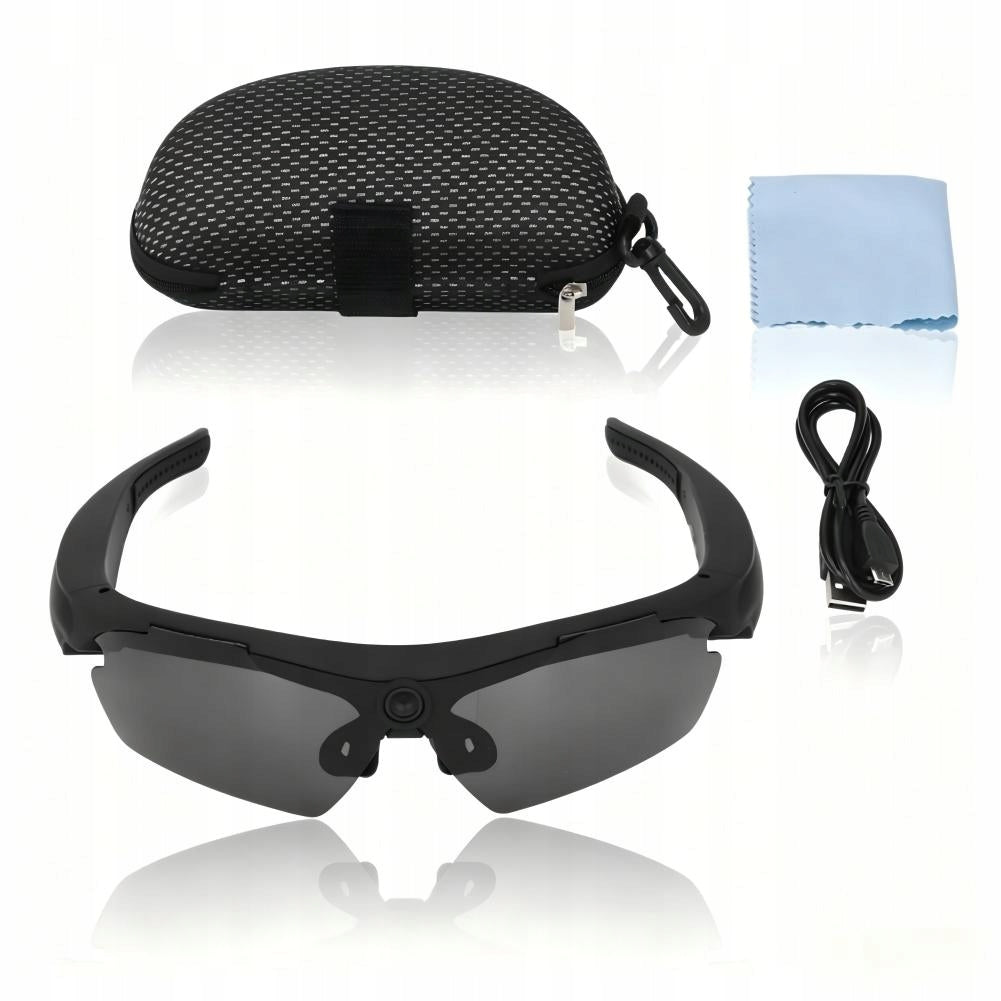
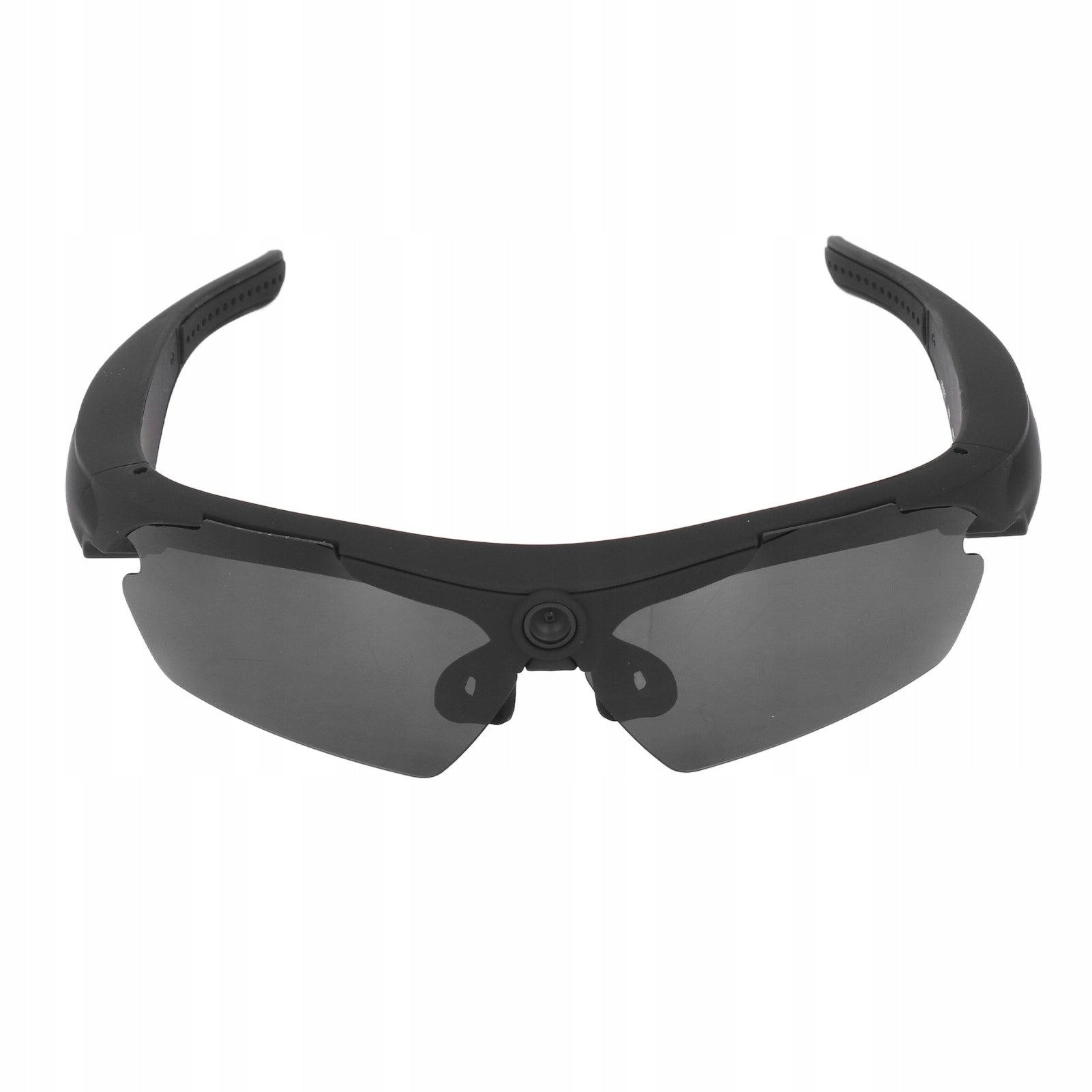
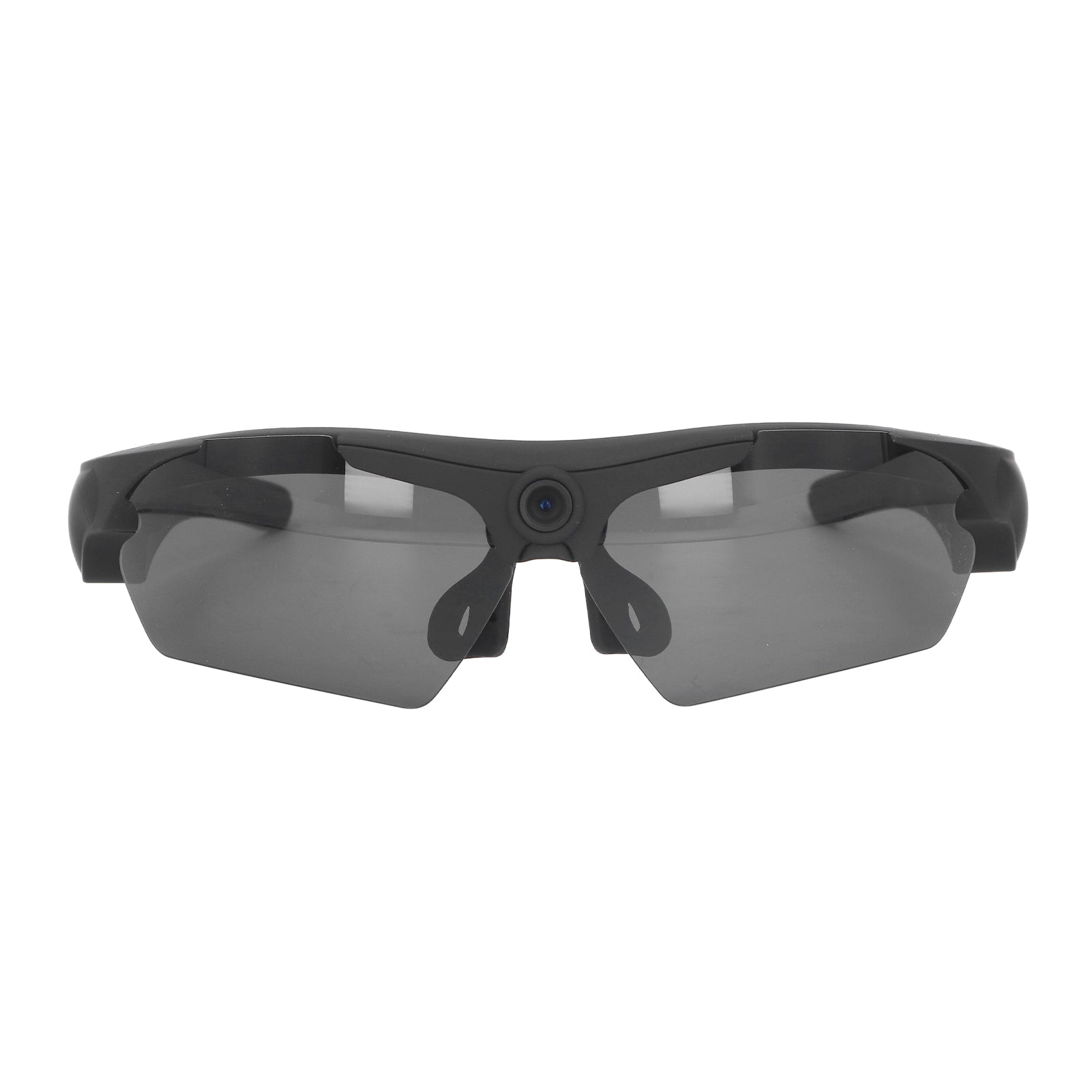
Prekė: Akiniai su paslėpta mini Full HD vaizdo kamera, skirti dviračiams. Kategorija: Mini kameros.
- Gamintojas: no brand
- Modelis: 2214220054211
The moisture meter can quickly measure the moisture content of the grain.
1. HD Polarized Lenses: High-resolution polarized lenses are resistant to reflected light, filter harmful light and provide clear and comfortable glare-free vision.
2. High Resolution Camera: The glasses are equipped with an HD camera, which can take good quality photos and record great moments.
3. Maximum support 256G: The storage space is large, and the maximum auxiliary memory is micro 256G memory card, which is more convenient to use.
4. Scope of application: HD1080P camera glasses are suitable for different face shapes. Suitable for various sports scenarios such as driving, horse riding, fishing, etc.
5. Camera glasses design: Embrace design, non-slip foot guard. Arch appearance design, can widen the field of view and wide viewing angle.
Specification:
- Article type: HD1080P camera glasses
- Material: ABS
- Weight: approx. 164 g / 5,8 oz
- Video format: AVI
- Video coding: M-JPEG
- Video resolution: 1920x1080
- Video frame rate: 30 fps. /s
- Playback Software: Operating System Built-in or main software for audio and video playback
- Image format: JPG
- Photo element: 2560x1440
- Aspect Ratio: 16:9
- Support system: for Win7, for WinMe, for WinXP, for Win2000, for Vista, for IOS10.5
- Charging voltage DC 5V
- Interface type: Micro USB
- Storage support: maximum support 256 GB (micromemory) (not included)
- Battery type: lithium polymer battery, capacity 320 mAh (supplied with built-in battery)
How to use:
A) on, photo, camera on: Press and hold the power button for about 5 seconds, the blue light will light up, and the device will vibrate once to go into standby mode. Photo mode: switch the switch to the position to take pictures, briefly press the power button once, the blue light will flash once, then turn on, and the device vibrates once for a short time to complete the photo and generate a JPG file.
B) Camera mode: switch the switch to the recording position, briefly press the power button once, the blue light flashes three times quickly, then slowly, and the device vibrates once to start recording. In camera mode, briefly press the power button once, the blue light flashes three times, then it will stay on, and the device vibrates once, stops the camera and automatically saves the file in AVI format and goes into standby mode. B) Turn off the device, press and hold the power button for about 3 seconds, the blue light flashes once, then it will go out, the device vibrates once, the device will automatically save the file and turn off.
C) Reset Press the reset button to reset.
D) Time setting:
1. First insert the machine into the micro memory card, after connecting to the computer find a new removable drive.
2. Open the disk, click the text file "time.txt", enter the time setting string in it, the string is set on the display "year, month, day, hour, minute, second".
List of packages:
- 1 x Camera Glasses
- 1 x Data Cable
- 1 x Glasses Cloth
- 1 x Glasses Case
- 1 x Manual
Specifications
| Group | Name | Value |
|---|---|---|
| Parametry | Condition | new |
| Parametry | Invoice | With VAT invoice |
| Parametry | Brand | no brand |
| Parametry | Model | 2214220054211 |
| Parametry | Product weight with unit packaging | 0.176 kg |
| Parametry | Manufacturer code | 2214220054211 |
| Parametry | EAN (GTIN) | 6953322112514 |
| Parametry | Packaging status | original |
| Parametry | Batteries included | yes |