
Pristatymo terminas visoje Lietuvoje: 5-7 d.d.
Pristatymo kaina nurodytu adresu: 3 eur


Aprašymas
Trumpai apie prekę
Prekė: Android TV priedėlis Google Chromecast, HDMI, Wi-Fi, 2/16 GB. Kategorija: Įrenginiai.
- Gamintojas: no brand
- Modelis: Odtwarzacz Smart TV Chromecast 4K 2/16GB
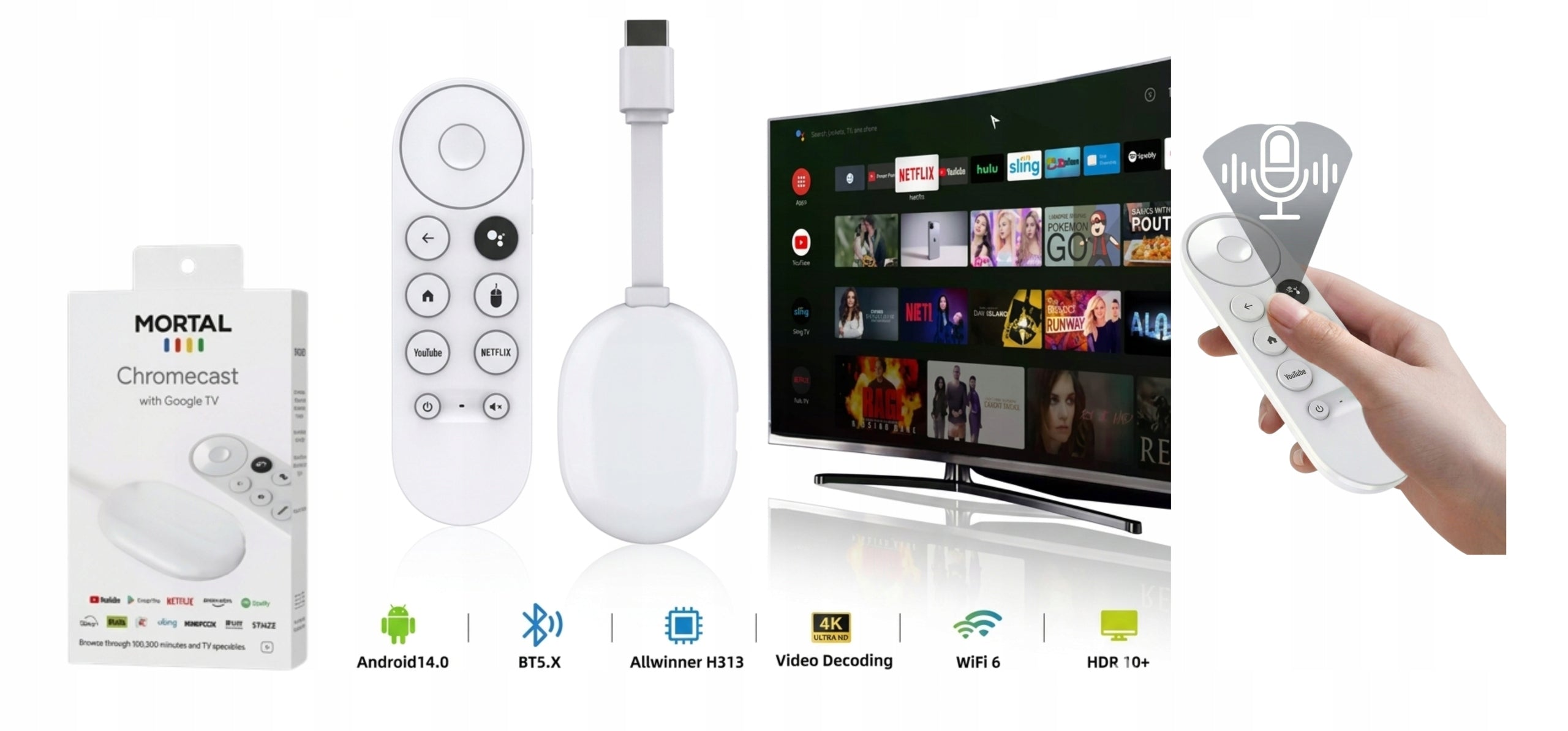
Our product is an absolute novelty and bestseller of the upcoming season – the Mortal Q2 Ultra model is a solution chosen by thousands of users who value liquidity without compromise. This is not another cheap appetizer that jams after a month. This model is made to order, with components that guarantee stability of Android 14.0 and crystalline 4K image. Choose a tool that really raises the standard of your home theater.
✅ PRODUCT DESCRIPTION:
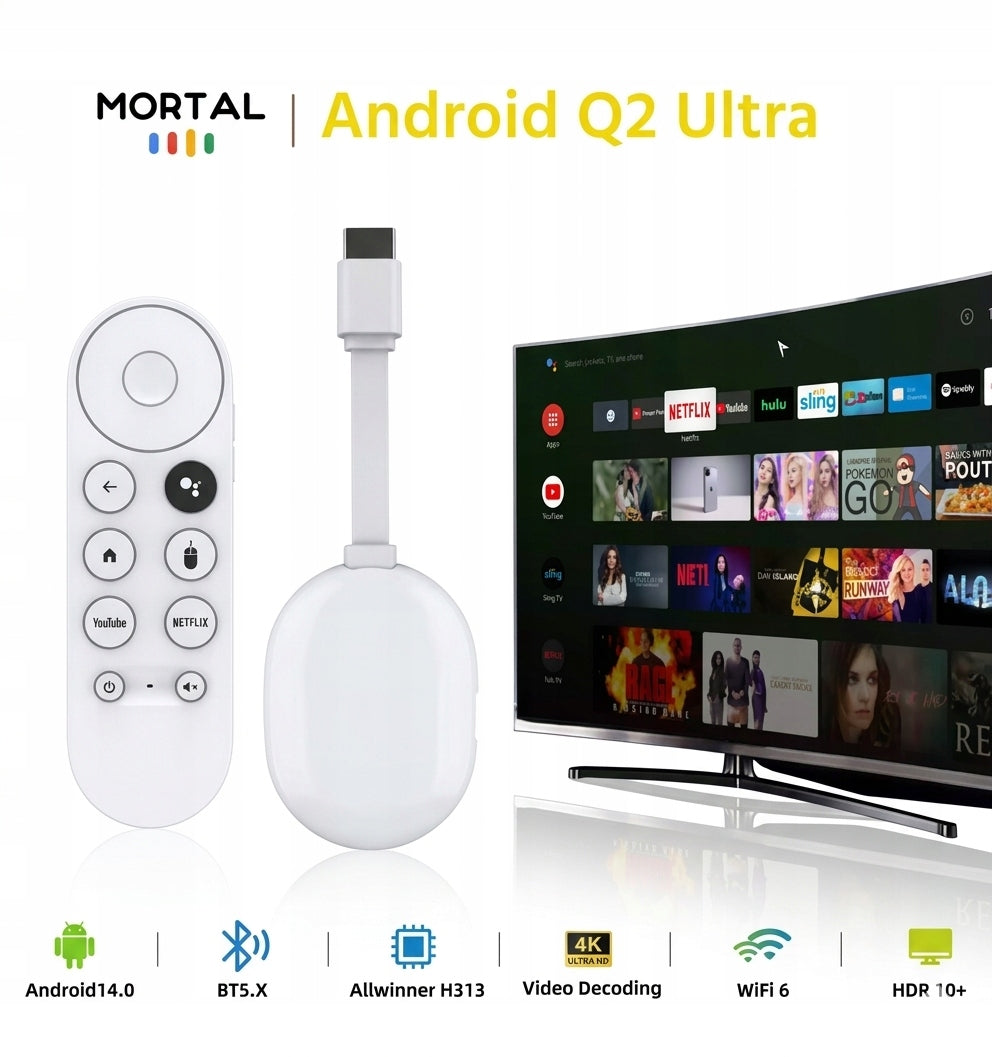
Mortal Q2 Ultra is a multifunctional solution created for TV owners whose Smart system has long ceased to be "smart" and owners of older receivers. Thanks to the use of state-of-the-art Wi-Fi 6 technology and Android 14.0, the device allows you to quickly launch applications in the highest quality. Forget about annoying video caching and crashing . Our model offers full update automation and Allwinner processor performance, making it a must-have for any living room, bedroom, or even on the go.
✅ SMART REMOTE CONTROL WITH VOICE ASSISTANT INCLUDED:
Mortal Q2 Ultra is equipped with a dedicated BT 5.0 controller, which provides:
- Voice search: Say the title of the video and the system will find it for you in a second.
- Bluetooth Connectivity: Control your device without having to aim the remote at the TV.
- Ergonomics: Intuitive button layout designed for maximum convenience.
✅ MOST IMPORTANT ADVANTAGES:
- Android 14.0: The latest, safest and fastest version of the system on the market (New 2026! ).
- Standard Wi-Fi 6: Stable connection with no lag, even when other household members are using the network.
- 4K HDR10+ image: Every detail visible on the palm of your hand, deep blacks and vivid colors straight from the cinema.
- Plug & Play (HDMI): Instant installation in 2 minutes – plug in and enjoy your entertainment right away.
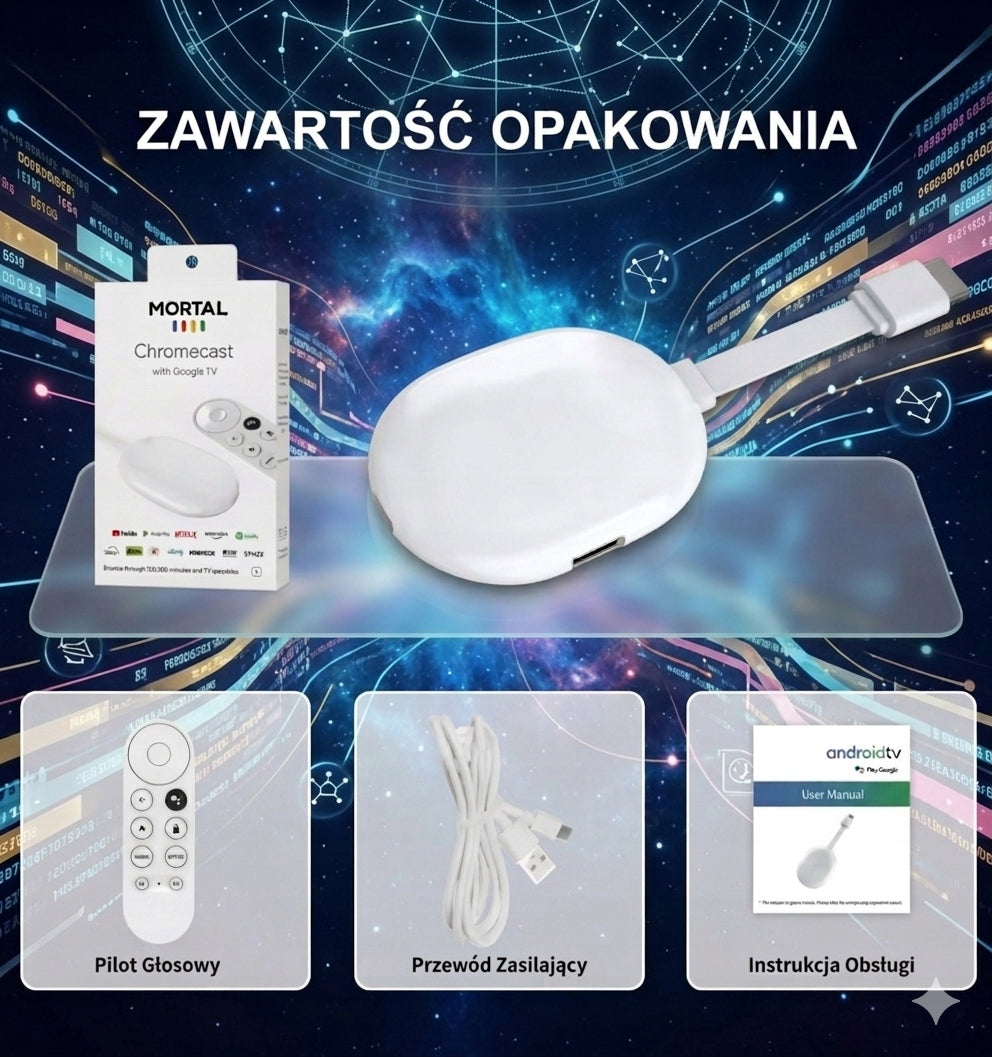
✅ COMPLETE SET: In the package you will find everything you need to start the session:
- Mortal Q2 Ultra – the heart of your new Smart TV system.
- Intelligent BT remote control – with built-in microphone for voice commands.
- Cable set (Power supply + HDMI extension) – a guarantee of fit for every TV.
- Instruction manual PL and aesthetic box – a ready idea for a gift.
✅ TECHNICAL SPECIFICATION:
- System and Processor: Android 14.0 / Allwinner H313 Quad-Core.
- Memory: 2GB RAM / 16GB ROM (smooth multitasking).
- Connectivity: Wi-Fi 6 (Dual Band 2.4/5.8G) / Bluetooth 5.0.
- Image quality: 4K UHD @60fps / HDR10+ support.
Mortal Q2 Ultra is a reliable tool for people who value freedom of choice and the highest speed. Don’t buy a new TV – invest in the technology of the future. Bet on proven quality – choose Mortal Q2 Ultra!
🛠 INSTALLATION INSTRUCTIONS (STEP BY STEP)
BEFORE YOU START: Make sure your TV has a free HDMI slot. Prepare access to the USB port on your TV or a regular network charger from your phone (recommended for maximum stability).
STEP 1: Connect to TV
- Put the device in: Place the Mortal Q2 Ultra directly in the HDMI port. If you have little space, use the included extension.
-
Power Supply: Connect the USB cable to the device and the other end to the USB port on the TV.
⚠ IMPORTANT: If the device resets, it means that the USB port on the TV is too low. In this case, connect the cable to a regular charger from your smartphone (5V/1A) and plug it into an electrical outlet.
- Source selection: On the TV remote, press Source / Input and select the appropriate HDMI port number.
PRO TIP (HDMI-CEC): To control all one remote control, turn on HDMI-CEC in your TV settings. Manufacturers call it differently:
- Samsung: Anynet+
- LG: Simplink
- Sony: Bravia Sync
- Philips: EasyLink
STEP 2: Pairing the remote
-
Battery: Insert the batteries into the remote control.
💡 NOTE: The remote control flap is very tightly fitted. If it resists, pry it gently and move it with a little more force.
- Sync: Close the remote to the attachment.
- Activation: Press and hold the microphone button for a few seconds, and then the (-) button of the mute until a message about the correct connection appears on the screen.
STEP 3: Wi-Fi configuration
- After pairing the remote, you will see the main menu.
- Go to Settings (sprocket icon ⚙).
- Go to the Network / Wi-Fi section.
- Choose your home network, enter your password and you’re done!
STEP 4: The world of applications
- Ready-made shortcuts: YouTube, Spotify and other popular services are already waiting for you on the home screen.
- Full list: All installed programs can be found in the "Applications" tab.
- New features: Go to the Google Play Store, log in to your account and download thousands of free games and apps (Netflix, HBO Max).
✅ READY! The whole process took you less than 15 minutes. We wish you a successful session!
Specifications
| Group | Name | Value |
|---|---|---|
| Parametry | Condition | new |
| Parametry | Invoice | With VAT invoice |
| Parametry | Brand | no brand |
| Parametry | Model | Odtwarzacz Smart TV Chromecast 4K 2/16GB |
| Parametry | Product weight with unit packaging | 0.4 kg |
| Parametry | Disk capacity | 16 GB |
| Parametry | HDMI connector | yes |
| Parametry | EAN (GTIN) | 5908047939152 |
| Parametry | Manufacturer code | Smart TV Chromecast Android |
| Parametry | Packaging status | original |
| Parametry | Certificates of conformity | CE,WEEE |