
Pristatymo terminas visoje Lietuvoje: 5-7 d.d.
Pristatymo kaina nurodytu adresu: 3 eur


Aprašymas
Trumpai apie prekę
Prekė: Belaidis HDMI adapteris G2, „Wecast Chromecast“, HD vaizdo transliavimas. Kategorija: TV priedai.
- Gamintojas: Krzymark
- Modelis: Wecast mirrorscreen mirascreen mirro cast
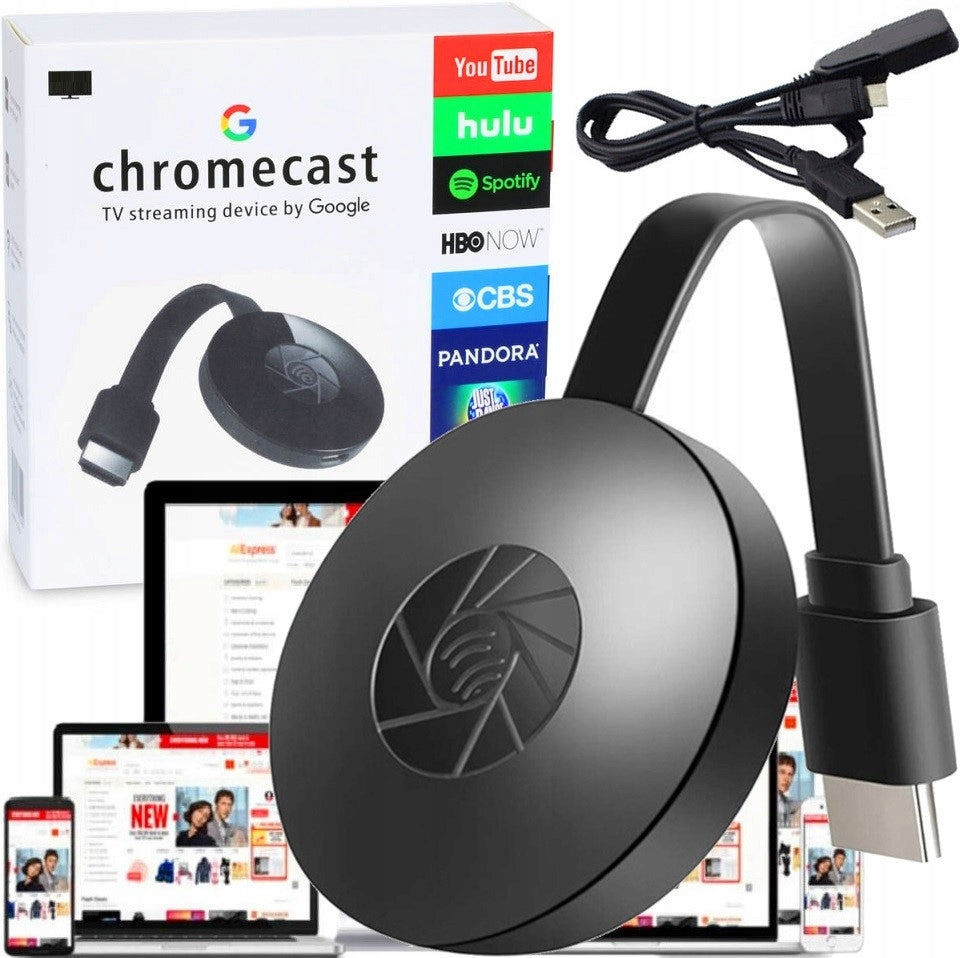
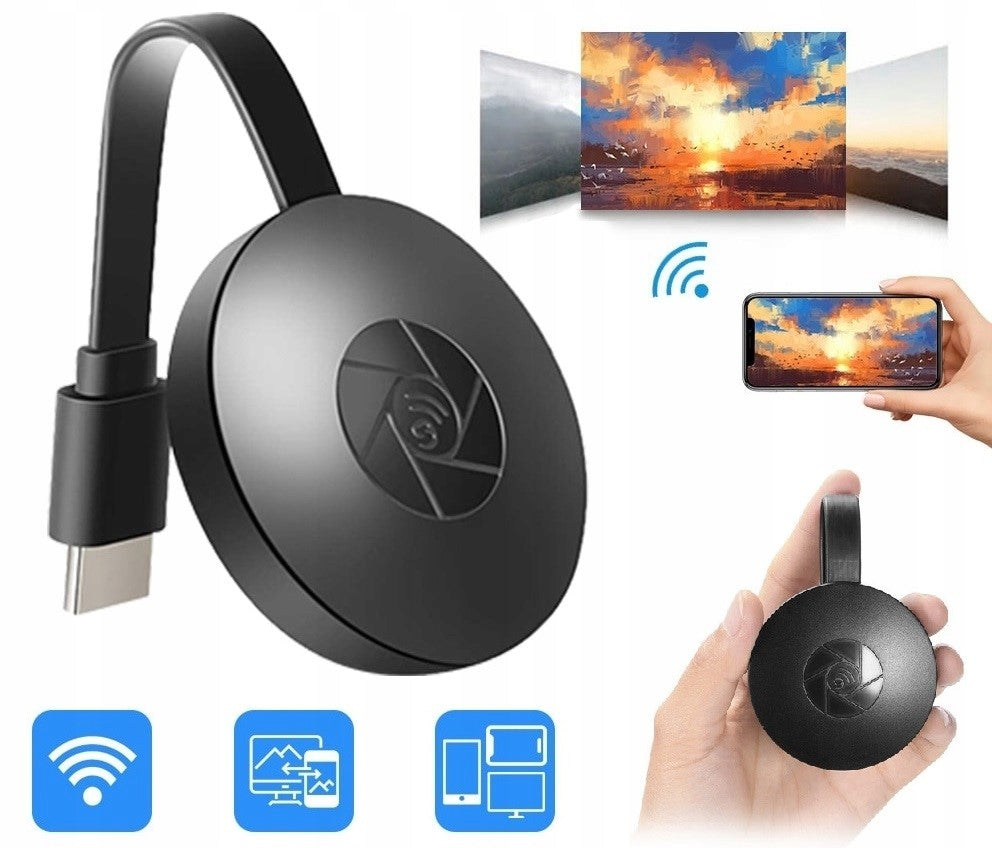
Offered adapter Mirascreen, allows you to view applications, videos from devices such as Smartphone, tablet, laptop directly on the big screen. With the MiraScreen G2, you can enjoy your favorite movies, photos, and videos on the largest display in your home. Just connect a small adapter to the TV to wirelessly display the content on the screen of the device that provides the screen. Everything you can see on smartphone, you can see on your TV!
- Condition: Brand new
- Supported resolutions: FULL HD 1080p
- Supports: Windows 8/8.1/10, Mac
- Supports: Android (DLNA/Miracast)
- Supports: iPhone/iPad(Airplay)
- Connections: Micro USB-C, HDMI 1.4
- Audio format: MP3/ WMA/ AAC/ WAV/ OGG/ AC3/ DDP/ TrueHD/DTS/DTS/HD/FLAC/APE, DOLBY TrueHD and DTS HD
- Video format: AVI, H.265, VC-1, MPEG-2, MPEG-4, DIVD/DIVX, Real8/9/10, RM, RMVB, PMP, FLV, MP4, M4V, VOB, WMV, 3GP, MKV
- Supports WiFi: 2.4 GHz
- Power Supply: USB 2.0 port
- Product code: 00030C5
MiraScreen G2 is a streaming device thanks to which you can turn your TV into a wireless display - all this thanks to the use of Miracast technology. With this device, you can also transfer images from tablets and PCs to display applications such as Hulu, YouTube, SKYPE, HBO GO and many more on the big screen.
- High resolution image
- Wide compatibility
- Small and lightweight design
- Easy connection
We invite you to watch the video! Thanks to it, you can take a closer look at our device:
https://youtu.be/9Q7mWSBOrl4?si=pYO8Zrf40AriIUvX
If you are using a laptop, you can upload a view of any page by sharing the screen. For an Android tablet or smartphone, you can also view everything you watch on your TV screen because the device acts as a wireless desktop. Optimal transmission distance: 5 m
The phone must have a wireless screen function. On your Smartphone, go to the settings, find the settings options "Wireless screen" and connect to your MiraScreen G2.
No additional software is needed. Installing the adapter is very simple. Connect the Miracast device to a free HDMI port on our TV, then connect a USB cable to the adapter itself, which then needs to be connected to the USB port.
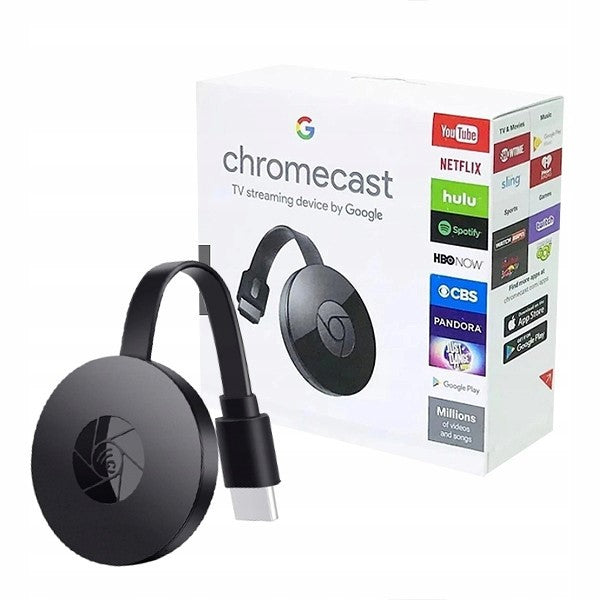
- MiraScreen adapter
- USB-C power cable
- Original packaging
- User manual for the manufacturer
Specifications
| Group | Name | Value |
|---|---|---|
| Parametry | Condition | new |
| Parametry | Invoice | With VAT invoice |
| Parametry | Manufacturer code | 00030C5 MIRROSCREEN CHROMECAST |
| Parametry | Model | Wecast mirrorscreen mirascreen mirro cast |
| Parametry | Brand | Krzymark |
| Parametry | Kind | Wi-Fi adapter |
| Parametry | Product weight with unit packaging | 0.13 kg |
| Parametry | Packaging status | original |
| Parametry | Certificates of conformity | CE |