
Pristatymo terminas visoje Lietuvoje: 5-7 d.d.
Pristatymo kaina nurodytu adresu: Pristatymas nemokamas


Aprašymas
Trumpai apie prekę
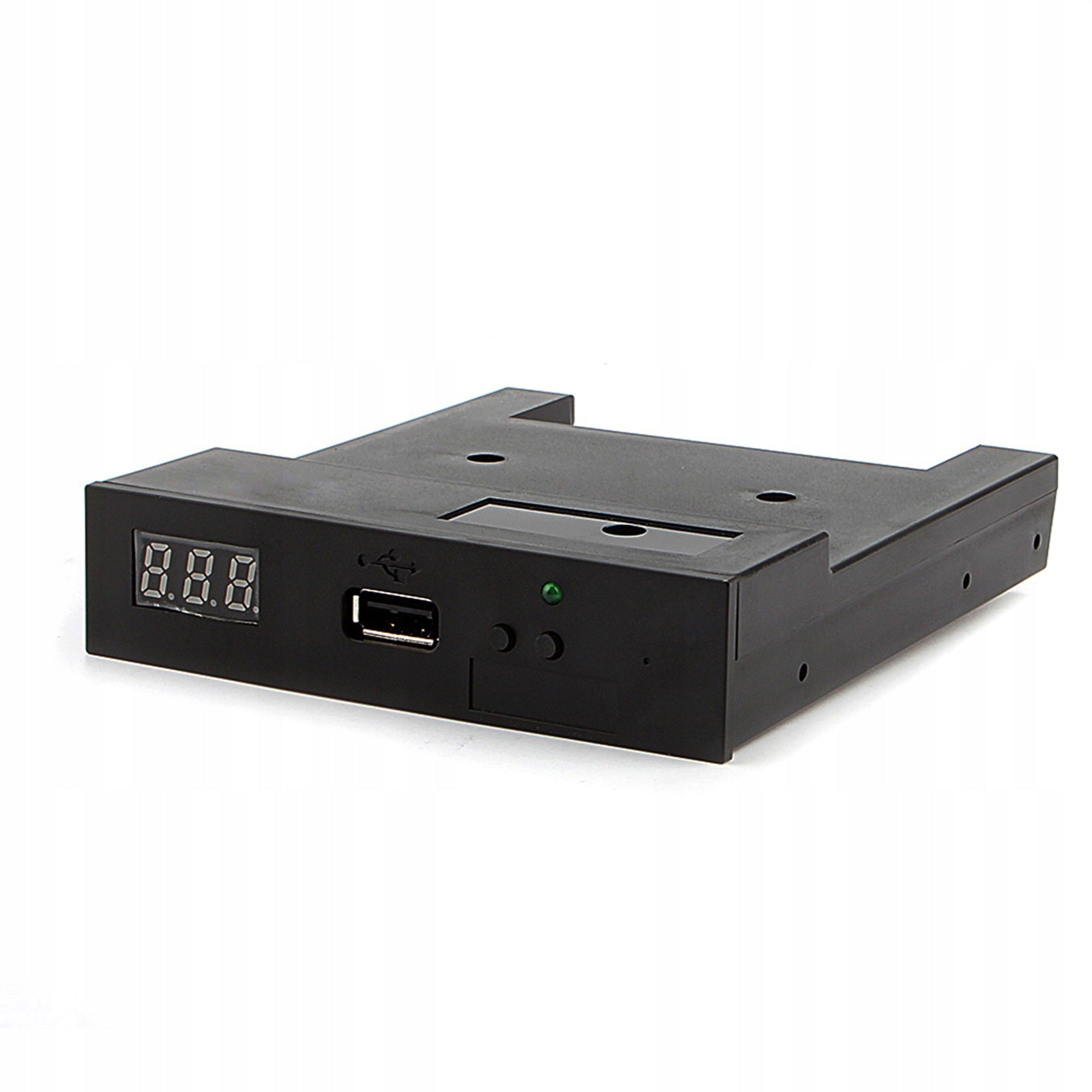
Prekė: Diskelių emuliatorius FLOPPY DRIVE SFR1M44-U100K, 1,44 MB, 500 KB/s, 5V. Kategorija: CD keitiklių emuliatoriai.
- Gamintojas: no brand
- Modelis: T50
Simulation of 3,5 inch 1000 floppy drive station for USB emulator for music keyboard
⭕ Use regular USB flash drive as media to design transfer
⭕ No additional driver required, power supply directly from USB port, it is USB compatible
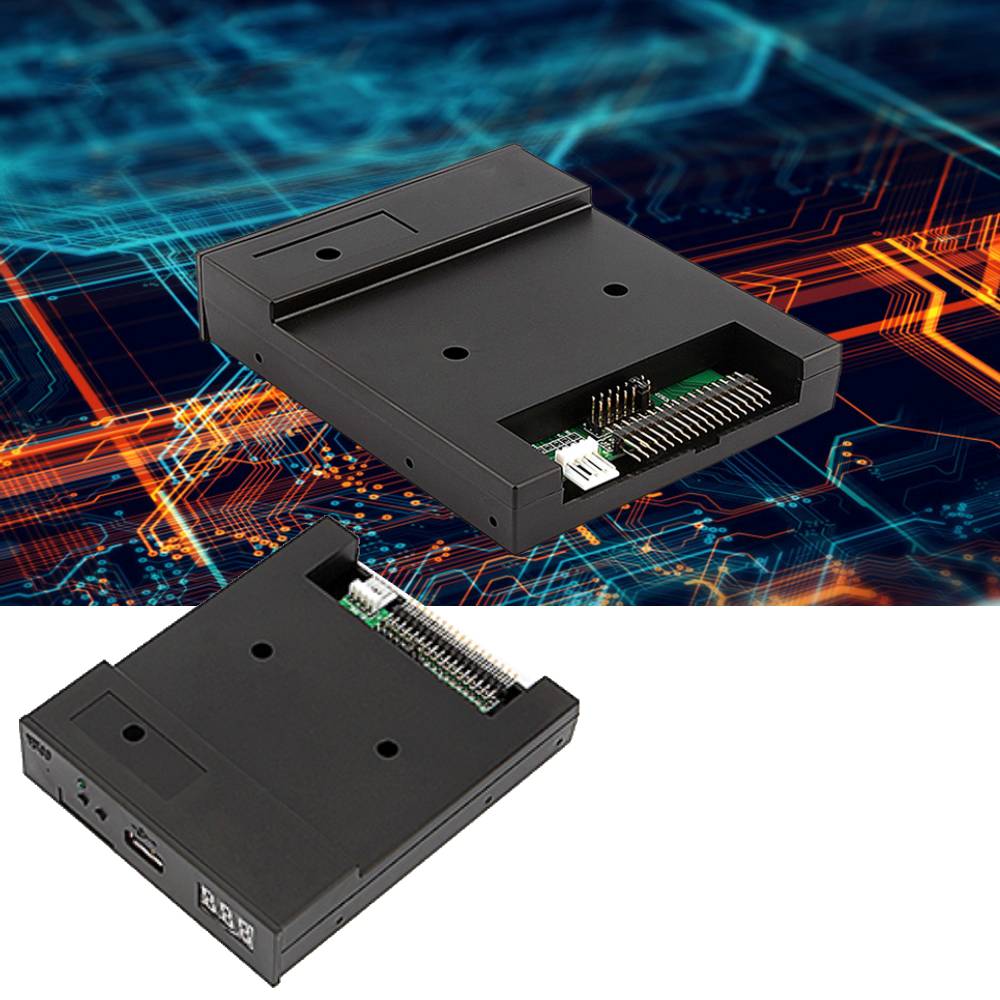
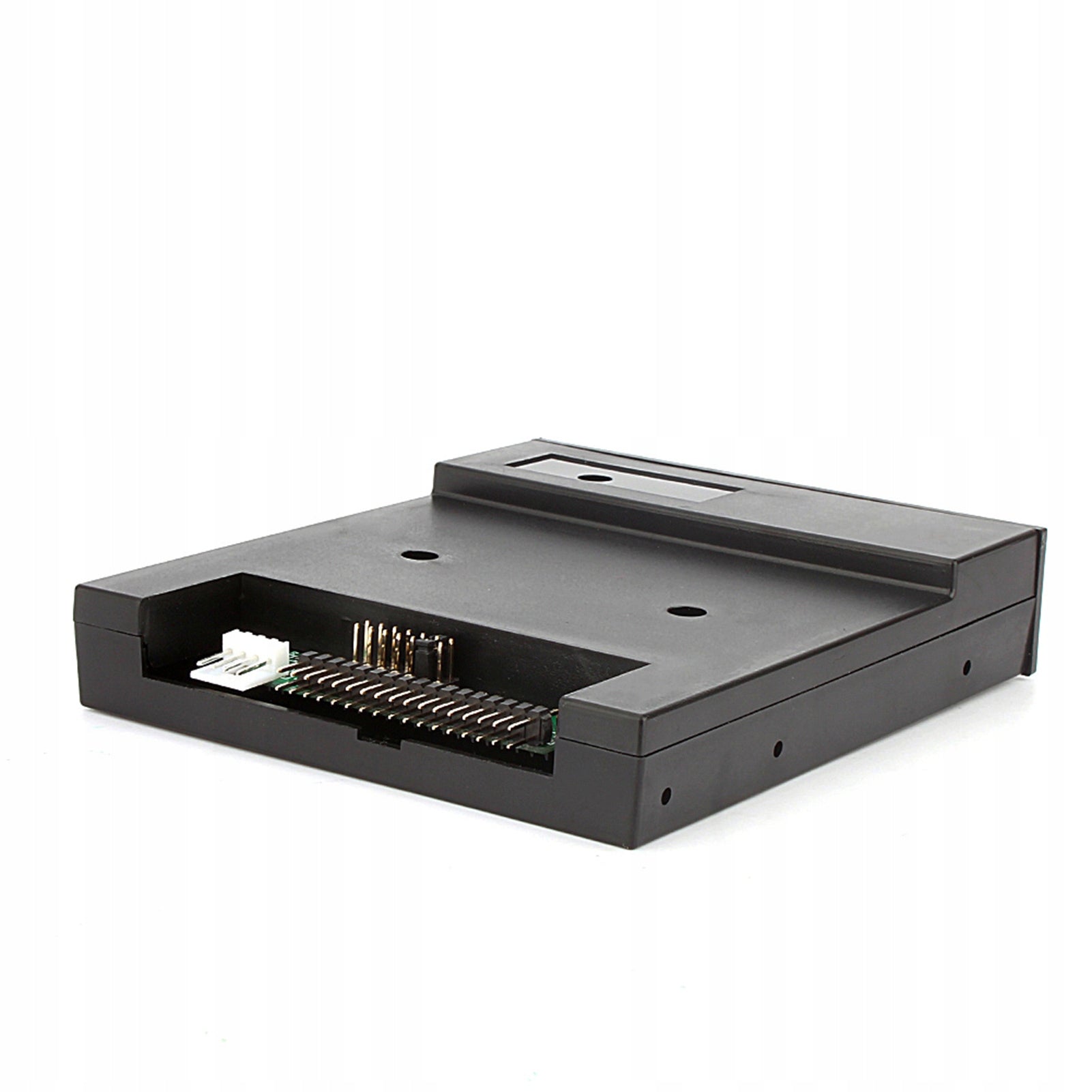
⭕ 34-pin floppy drive interface, 5V DC power supply, easy to install
⭕ The floppy disk can read and store data, and can also be formatted if needed
⭕ Using high quality plastic shell, lightweight and durable and easy to carry
✅Product Features:
- The color of the item may vary from the color in the picture due to aberration.
- This floppy disk station emulator is great for electronic organs
◼ Housing material:ABS
◼ Black colour
✅Disk driver needed with the following function:
- Floppy controller with 34pin interface and 5V DC power plug
- Use a 1,44MB 2HD floppy disk
✅Disk format: Cylinders: 80
✅Works: 160 sectors/track
✅18 bytes/sector: 512 data
✅Transmission speed: 500 kbps
✅Coding method: MFM
- 1x USB emulator
✅Features:
Use a regular USB flash drive as a media for transfer design.
34-pin floppy disk driver interface, 5V DC power supply, easy to install.
Capacity: 1,44 MB 2HD Cylinders: 80 Tracks: 160 sectors/track: 18 bytes/sector: 512 data
Transmission rate: 500 kbps
Coding method: MFM.
You can use 1000 pieces of partition in USB flash drive.
Built-in self-formatting function. (Read the relevant documents to use this feature)
Jumpers with function for different machines (SFR1M44-U100K do not support jumpers).
✅Plate:
8-segment numbers: represent the partition number
Green LED: Read and Write Operation Status
USB port: connect USB flash drive
✅Button:
Left button is used for ten-digit increase, right button is used for single-digit increase, press 2 buttons at the same time to
increase in hundred digits
✅Operation:
Format the USB flash drive.
1. Use the built-in self-formatting function to format a USB flash drive into 1000-piece partitions
2. install the emulator on your computer and format all partitions with driver A.
3. use the UFA1M44-100 emulator, connect a pendrive to it,
connect to computer, it will be recognized as driver to remove A or B for WINDOWS XP/2000/7, format all partitions.
UFA1M44-100 also has a built-in self-formatting function.
✅Reading and writing data.
1. install the emulator on your computer
2. install the emulator on your computer
3. connect the USB flash drive to your computer, read and write the data catalog using the software, under WINDOWS XP/2000
4. Use the UFA1M44-100 emulator, connect a pendrive to it, connect to a computer, read and write data in WINDOWS XP/2000/7.
Specifications
| Group | Name | Value |
|---|---|---|
| Parametry | Condition | new |
| Parametry | Invoice | With VAT invoice |
| Parametry | Product weight with unit packaging | 0.1 kg |
| Parametry | EAN (GTIN) | 0064082173700 |
| Parametry | Manufacturer code | 302594 |
| Parametry | Brand | no brand |
| Parametry | Media played | USB drive |
| Parametry | Model | T50 |
| Parametry | Packaging status | original |