
Pristatymo terminas visoje Lietuvoje: 5-7 d.d.
Pristatymo kaina nurodytu adresu: 3 eur


Aprašymas
Trumpai apie prekę
Prekė: Mini WiFi pasiklausymo įrenginys su nuotoliniu valdymu. Kategorija: Garso įrašymo įrenginiai.
- Gamintojas: Spreest
- Modelis: EL-AR07
- Spalva: white
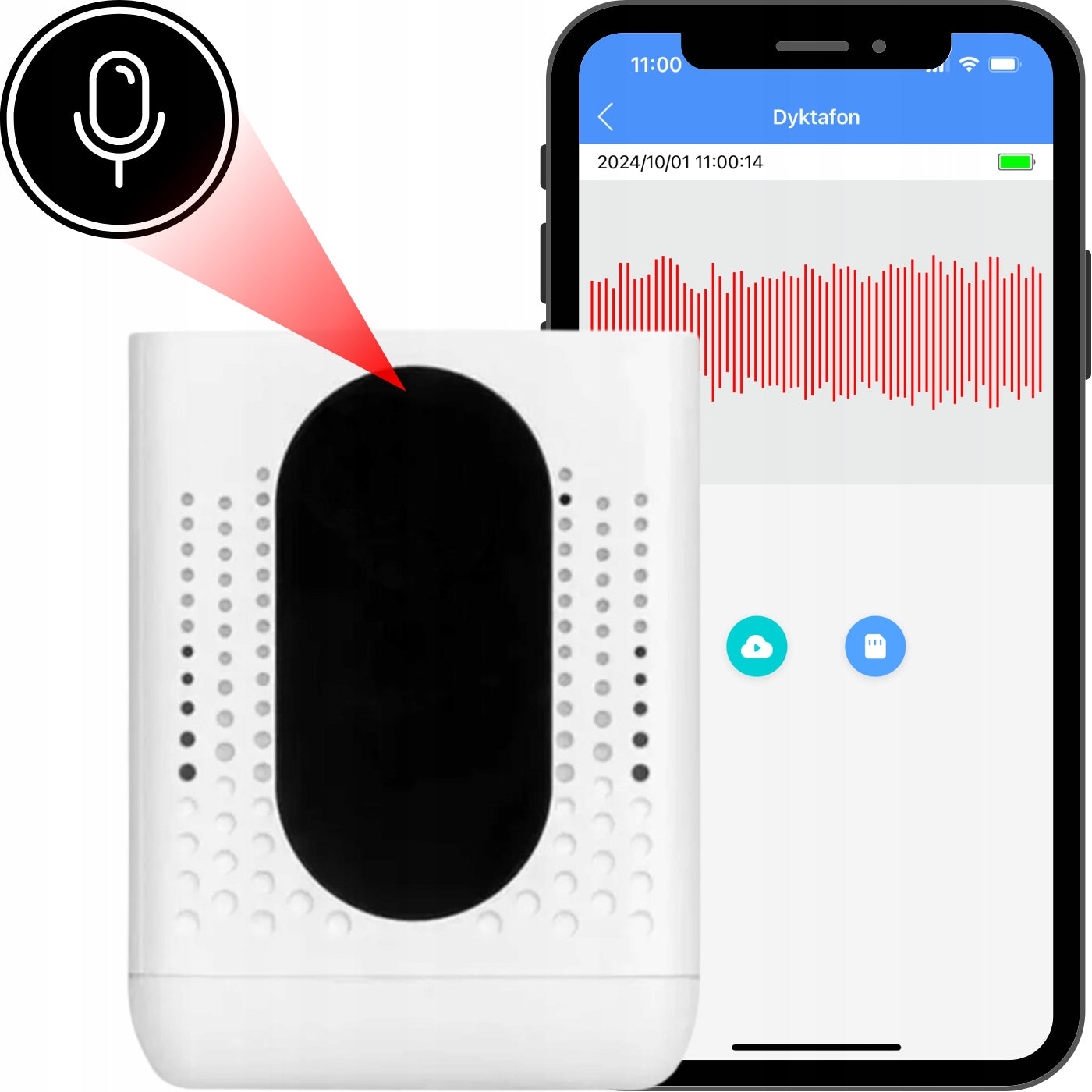
WiFi recorder by Spreest — Your new tool for discreet and efficient audio recording. This compact and elegant recorder in the form of a speaker offers extraordinary functionality, combining advanced technology with the simplicity of operation without arousing suspicion fit into any interior.
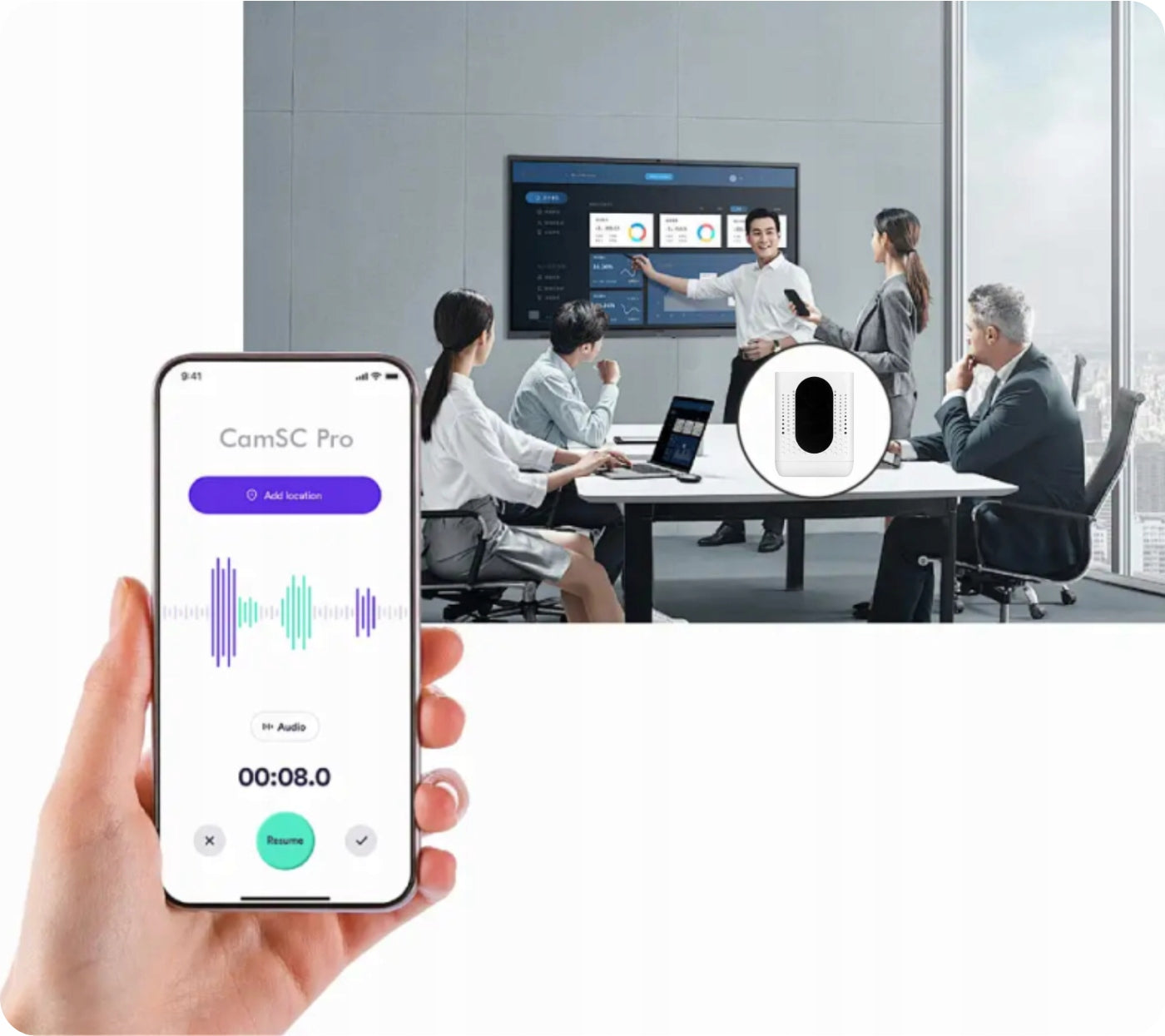
Thanks to the dedicated CamSC Pro application, you have full control over the device directly from your smartphone. Monitor real-time audio, receive automatic PUSH audio alerts and enjoy long-term storage of recordings on a microSD card up to up to 128 GB, which allows for 1600 hours of recordings or in the cloud.
High battery performance 5600 mA allows you to record up to about 2,5 days on a single charge, and various recording modes allow you to customize the device to your individual needs.
Advanced recording management and the ability to share them with other users make it an ideal solution for monitoring the office, home or other places requiring constant control.
Key functions
1. Dedicated CamSC Pro app: The app gives you full control over your device from your smartphone. It is intuitive and simple to use, thanks to which configuration of the recorder takes only a few moments.
2. Real-time monitoring: With the app, you can listen to sounds recorded by your device in real time, which allows you to react immediately.
3. Automatic PUSH sound alerts: They will notify you of sound detection, which makes the device ideal for monitoring the office, home or other places requiring constant control.
4. Long-term recording storage: The recorder offers flexibility in storing recordings – you can choose to save in the cloud (additionally paid service and you need a minimum of 8GB microSD card) or only on a microSD card up to 128 GB which allows for 1600 hours of recordings.
5. High battery performance: Equipped with a capacious battery that allows you to record up to 2,5 days of hours on a single full charge. It also has the function of notification of low battery status and the ability to record while charging.
6. Different recording modes: The device offers three recording modes:
- Continuous mode: The device records non-stop audio and saves it in loop mode, overwriting older recordings.
- Energy saving mode A: Starts recording when sound is detected, while providing the ability to listen live while consuming less energy. It allows for about 4 months standby time.
- Energy saving mode B: The most energy-efficient mode, only activates when sound is detected, and live listening is possible for a minute after activation. It allows for about 7 months standby time.
7. Advanced recording management: From within the app, you can set the sensitivity of sound detection, as well as select recording duration, from 1 to 5 minutes. You have full control over how and when the recorder records sounds, which provides flexibility and customization to your needs.
8. Seamless memory card management: The application allows you to monitor the status of the microSD card, including accessible space and capacity. For user convenience, the card can be formatted directly from the application, making it easier to manage recordings.
9. High quality audio recording: The device is equipped with a high-end microphone, which provides clean and clear recordings.
10. Ability to share recordings and device: The voice recorder offers the function of sharing recordings with other users. You can precisely determine which data is to be available (voice monitoring, notifications, events), as well as set the period during which the recordings will be shared.
11. Discreet appearance: Elegant appearance in the form of a speaker makes the voice recorder not attract attention.
To add your device to the app, follow these steps:
1. Open the app on your smartphone and select the option to add a new device by clicking on the "+" icon.
2. Select the category of the "Smart Audio" device.
3. Switch your device to pairing mode –make sure the LEDs on your device start flashing.
4. Select your Wi-Fi network – remember that the device supports 2.4 GHz networks.
5. Enter your Wi-Fi password, and then click “Next” to continue.
6. Wait for the setup to complete – it may take a few seconds.
7. After completing the process, you will see a message about successfully adding the (“Device Binding Successful”) device.
Now your device is ready for use.
To use the device panel and in-app sound monitoring features, follow these steps:
1. Panel with added devices – On the main screen of the application you will find all connected devices. Just click on the selected device to access its features.
2. Sound Detection Alerts – The app automatically generates alerts when it detects sound. You can view these alerts in the event log, allowing you to easily monitor any activity in your environment.
3. Real-time eavesdropping – With this feature, you can live listen to the sounds recorded by the device. Just click on the voice recorder icon in the app to start listening immediately.
To manage audio files and your account in the app, you have several options:
1. Cloud file storage – The application offers the ability to store recordings in the cloud, which provides easy access to data from anywhere. This is an additionally paid service that you can activate directly in the app. A minimum of 8 GB microSD memory card is needed to activate cloud storage.
2. Storage on memory card – If you do not want to use the cloud, you can save your files on SD memory card.
3. Memory card management – In the application you will find detailed information about the status of the memory card, including with capacity, available space and the ability to format the card to prepare it for saving new data.
4. Account management – The application allows to share recordings and devices with other users. You can add friends to allow them to access your device and its features, and easily share saved recordings with them.
You can precisely share recordings and other data from your selected device. You can easily set:
1. Sharing Period – Select a specific time period during which you want others to have access to your device and recordings. You can set both the start and end time .
2. Data scope – Specify what data you want to share. You can choose from m.in : voice monitoring, notifications and events . You can check the options to only share what is important to you.
3. Sharing a selected device – You have the option to share selected recordings from a specific device , so other users will only have access to the data you assign to them.
You can fully manage your device by adjusting various parameters to your needs:
1. Notifications – Enable or disable notifications to receive real-time information about events. Thanks to this you will be up to date with all activities related to the device.
2. Sensitivity settings – You can adjust the sensitivities of sound detection using the slider by selecting between high, medium and low sensitivity. This allows you to adapt the device to different conditions and needs.
3. Recording duration settings – Specify how long a single recording should last. You can choose from options from 1 minute to 30 minutes, which gives you great flexibility in managing your recording space.
4. Recording Modes – There are various recording modes available in the app, including:
- Continuous recording mode – The device records non-stop, allowing live listening and recording in loop mode, which means that when we run out of space in the memory older recordings are overwritten with new ones. It allows for about 2,5 days of continuous recording.
- Energy saving mode A – The device activates when sound is detected, allows you to listen live and sends sound alarms, consuming less energy (1,6 mA/h). It allows for about 4 months standby time.
- Energy saving mode B – The most economical mode (1 mA/h), activates recording when sound is detected, live listening available only for one minute after activation. It allows for about 7 months standby time.
5. Memory card management – You can easily check the status of the memory card, including its capacity and available space. If necessary, you can also format the card directly from the application.
Long-lasting battery
It has an extremely efficient battery with a capacity of 5600 mAh, which allows continuous recording up to 2,5 days on a single full charge.
The device also has energy saving modes, which significantly extend the working time – depending on the selected mode, the recorder can operate in standby mode from 4 to even 7 months.
In addition, the ability to record while charging can significantly extend the operation of the device.
Built-in LED indicators inform about the status of the battery, which makes it easier to control and prevents unforeseen interruptions in the operation of the device.
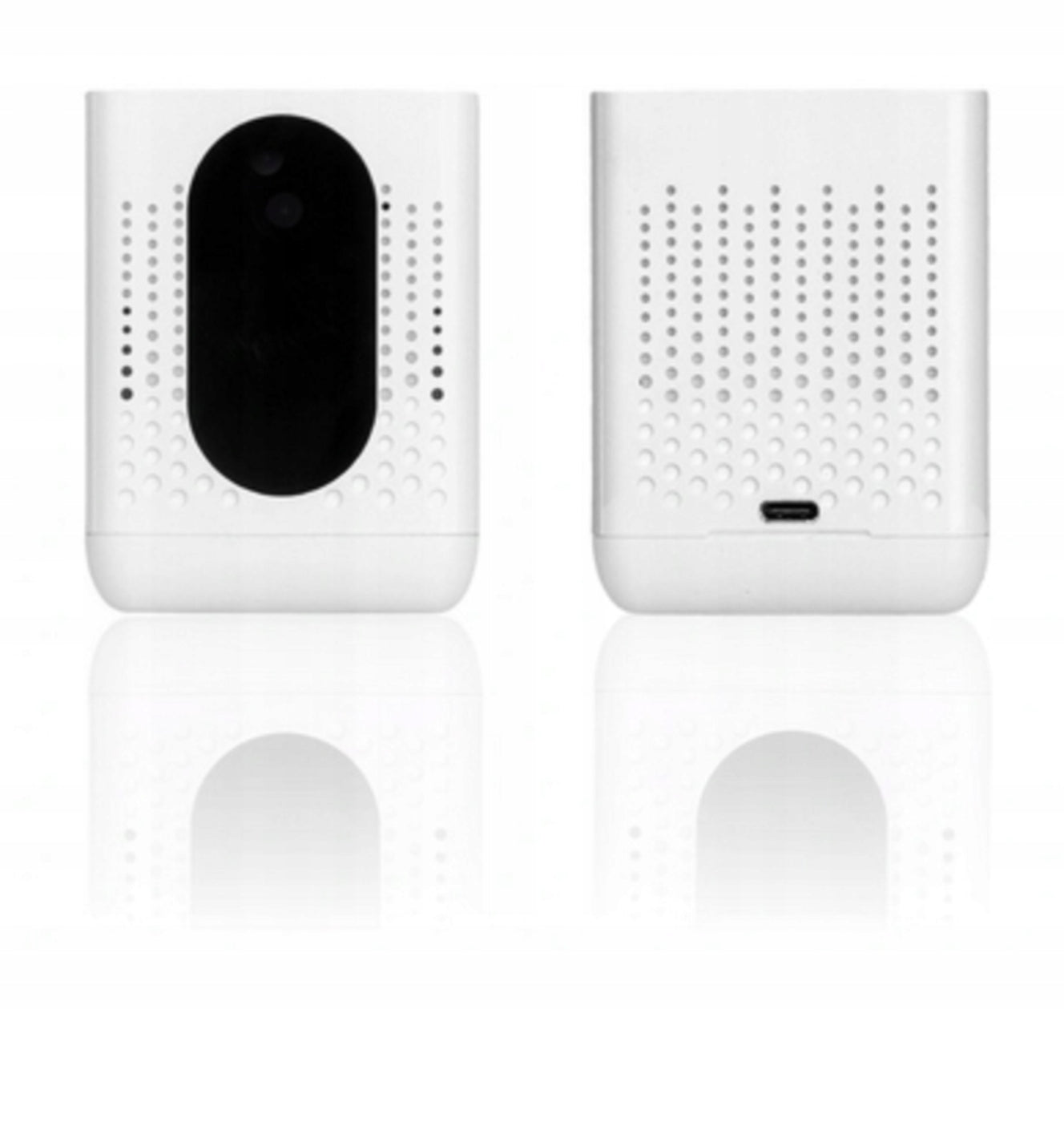
Elements of the voice recorder
1. Microphone: Records sound.
2. ON/OFF switch: Used to turn the device on and off.
3. Working indicator: Blue LED indicating the status of work.
4. Slot for microSD card: Place for memory card(support up to 128 GB).
5. Charging indicator: Red LED indicating charging status.
6. Reset hole: Allows you to factory reset.
Technical specification
- Battery: 5600 mA
- Supported microSD card: from 8 to 128 GB (not included)
- Charging time: About 9,5 hours
- Energy consumption during operation: 80 mA
- Continuous recording time: About 2,5 days
- Power saving mode A: 1,6 mA/h
- Standby time in energy saving mode A: About 4 months
- Power saving mode B: 1 mA/h
- Standby time in energy saving mode B: About 7 months
- Wifi connection: Yes (2,4 GHz network only)
- Continuously powered: Yes
- Power Supply: USB-C, 5V
- Dimensions: 76 mm x 76 mm x 96 mm
- Weight: 181g
The set includes
- WiFi voice recorder EL-AR07
- MicroSD card reader
- USB-C cable
- Restart key
- User manual
Instructions in Polish in electronic version available in the attachment for download. You can find it under our product description.
Link to the in Polish: https://hackmd.io/@spreest-manuals/BkLlc-bTlx
Link to the user manual in Czech: https://hackmd.io/@spreest-manuals/Hk2egbOi-x
Link to the instruction manual in Slovak: https://hackmd.io/@spreest-manuals/rJF7lZOjZg
Link to the instruction manual in Hungarian: https://hackmd.io/@spreest-manuals/B1nZxZusbe
- EAN: 5906168042386
- Manufacturer code: WiFi voice recorder EL-AR07
- Model: EL-AR07
- Brand: Spreest
- Condition: New
Specifications
| Group | Name | Value |
|---|---|---|
| Parametry | Condition | new |
| Parametry | Invoice | With VAT invoice |
| Parametry | Brand | Spreest |
| Parametry | Model | EL-AR07 |
| Parametry | Product weight | 181 g |
| Parametry | Color | white |
| Parametry | Power supply | rechargeable battery |
| Parametry | Memory card support | yes |
| Parametry | Voice recording activation | yes |
| Parametry | Ports | USB |
| Parametry | Functions | microphone sensitivity adjustment |
| Parametry | EAN (GTIN) | 5906168042386 |
| Parametry | Manufacturer code | Dyktafon WiFi EL-AR07 |
| Parametry | Packaging status | original |
| Parametry | Certificates of conformity | CE |