
Pristatymo terminas visoje Lietuvoje: 5-7 d.d.
Pristatymo kaina nurodytu adresu: 3 eur


Aprašymas
Trumpai apie prekę
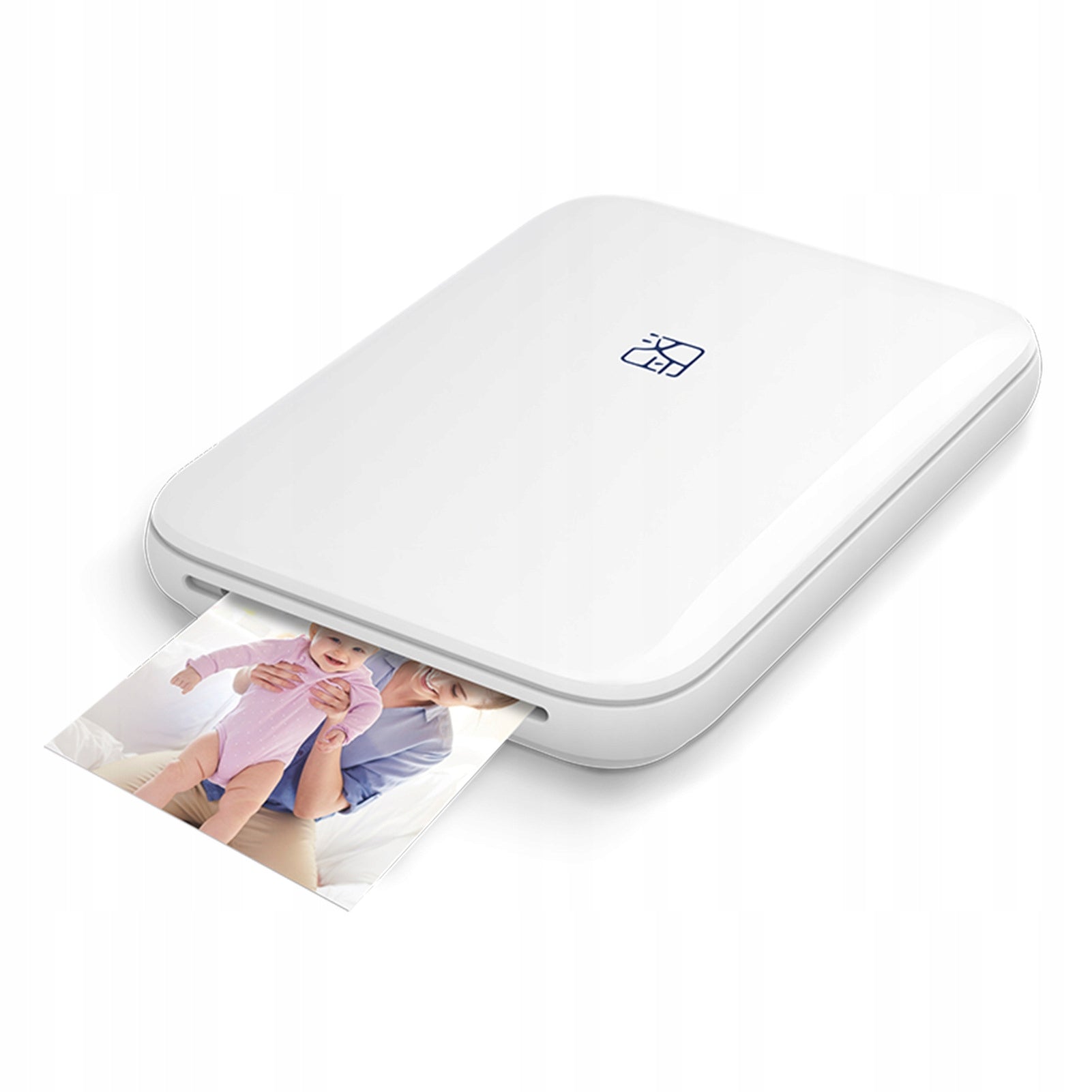
Prekė: Nešiojamas mini nuotraukų spausdintuvas HPRT53. Kategorija: Kiti spausdintuvai.
- Gamintojas: no brand
- Modelis: MT53
Mini MT-53 Bluetooth Printer – Print Memories Anytime, Anywhere!
Portable photo printer – compact size, huge possibilities!
✅ Key Features:
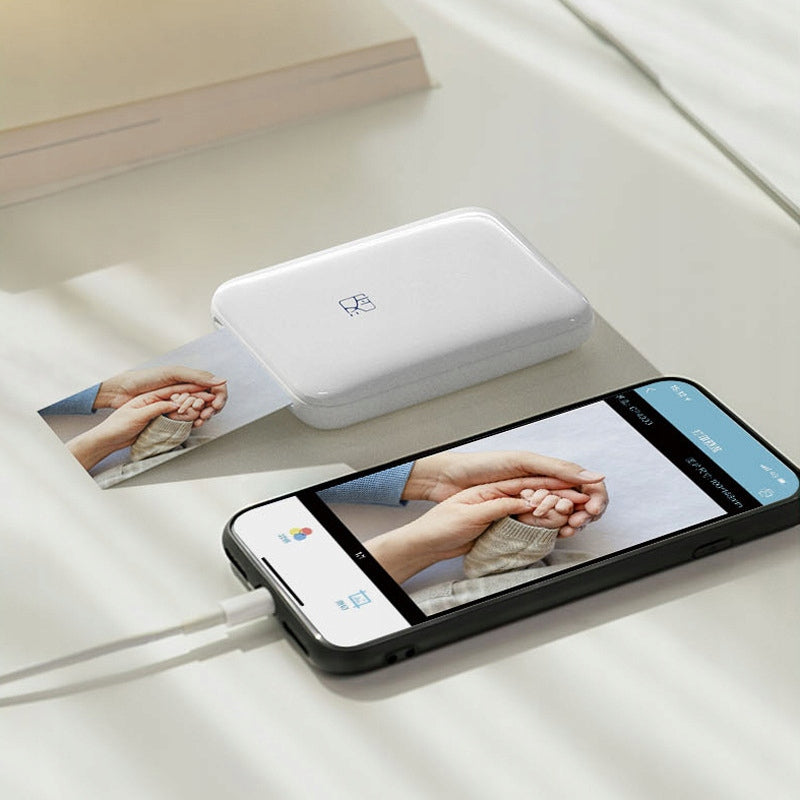
- Bluetooth 5.0 – Print photos wirelessly from your phone anytime, anywhere.
- High Resolution – ZINK technology delivers 313 x 600 dpi quality, reproducing vibrant colors and details.
- Free mobile application HeyPhoto – Simple and intuitive interface allows you to personalize photos, add filters, frames or texts.
- Built-in battery – No need to plug into an outlet during printing.
- Support Android and iOS devices – Wide compatibility with most smartphones.
✅ Specification:
- Dimensions: Pocket size, smaller than a phone – easy to carry in your purse or pocket.
- ZINK (Zero Ink) technology – Print without ink! Special paper reacts to heat, eliminating the need to replace ink.
- Multifunctionality: The ability to print 2x3 inch (508x762 mm) photos, stickers, as well as create collages or photos for documents.
- Easy paper loading: Simply slide the lid to quickly load a set of 10 sheets of photo paper.
✅ Advantages of use:
- Keep memories longer – Create physical copies of your favorite photos in seconds.
- Perfect for a gift – The perfect gadget for photography lovers and those who value personalized souvenirs.
- ZINK Sticky-Back – Photos with self-adhesive back perfect for scrapbooks, notebooks or decorations.
- Ecology and saving – Without the need for ink, you minimize costs and waste generation.
✅ Set Contents:
- MT-53 Mini Printer
- USB charging cable
- User manual
- 5 sheets of ZINK® photo paper
✅ Why is it worth it?
With the MT-53 mini printer, you always have your memories at hand. It's a great way to capture the moment and share it with loved ones in the form of a physical photo. The printer is perfect for parties, holidays, or everyday life.
✅ Order now and enjoy your memories in the highest quality!
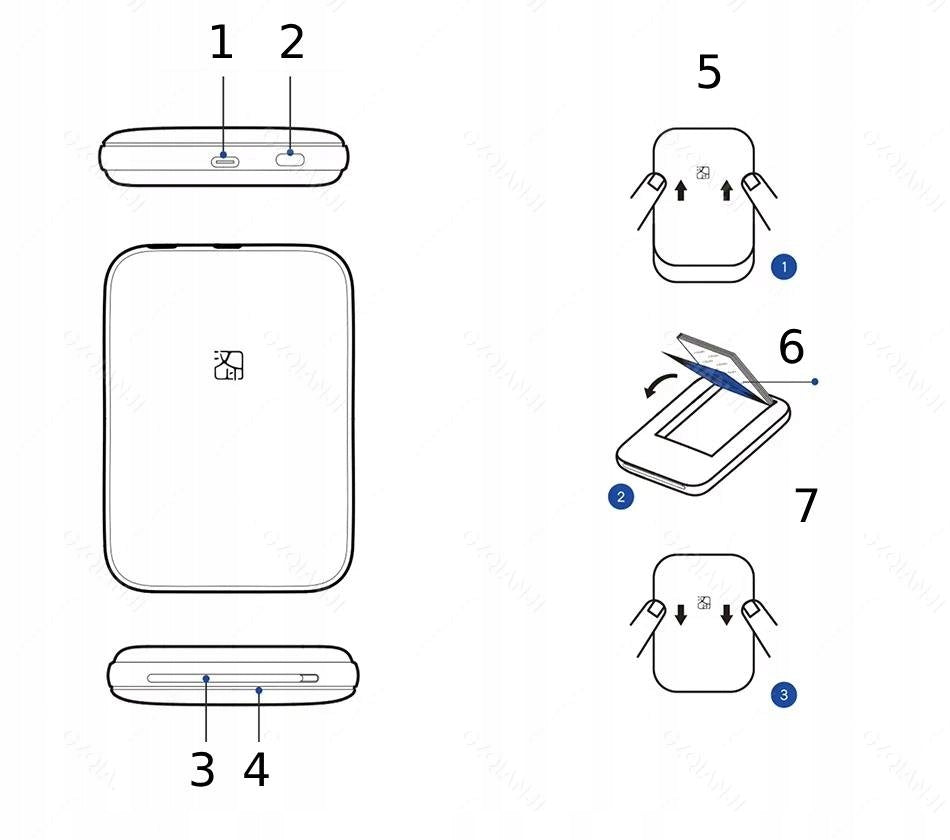
Short instruction manual:
- USB port: Used to charge the device.
- Power Button: Allows you to turn the printer on and off.
- Paper Outlet: The place where the printed photos come out.
- LED Indicator: Informs about the status of the device.
- Raise the cover: Grab the sides of the device and gently lift the cover to access the interior.
- Insert photo paper: Place a stack of paper, making sure that the text page is facing down and the calibration card (Blue Card) is at the top.
- Close the lid: Gently press the lid to close the unit and get it ready to go.
Specifications
| Group | Name | Value |
|---|---|---|
| Parametry | Condition | new |
| Parametry | Invoice | With VAT invoice |
| Parametry | EAN (GTIN) | 5906952947385 |
| Parametry | Manufacturer code | MT53 |
| Parametry | Manufacturer | no brand |
| Parametry | Model | MT53 |
| Parametry | For | for photos |
| Parametry | Certificates of conformity | CE,WEEE |